

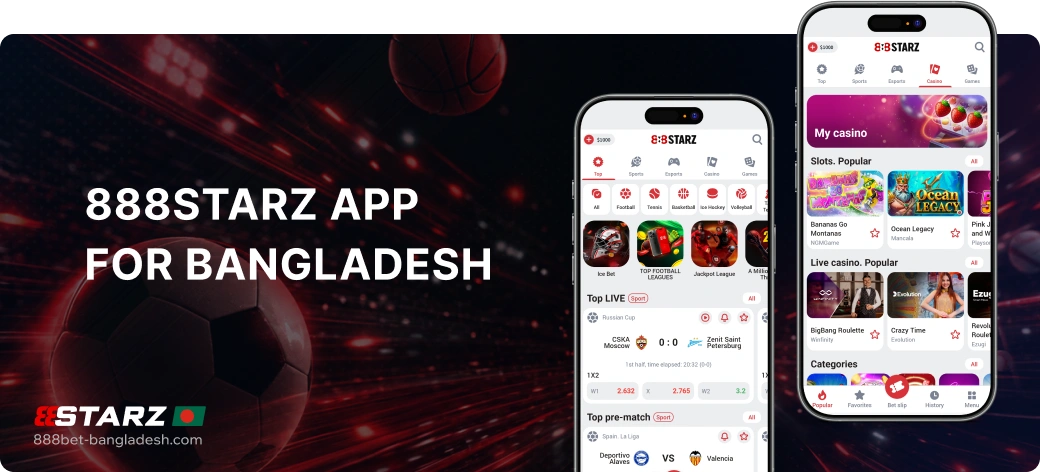
888starz has three mobile access routes: an Android APK, a native iPhone and iPad app, and a mobile website. The operator also describes a browser-based PWA route, which is not the native iOS app. Which options a reader in Bangladesh can use depends on location, store region and operator account restrictions. Check the route available to you before following installation instructions for a particular platform.
App Specifications and Access Options
The Android specifications below describe a build dated 31 August 2026. They do not mean that every Bangladesh user will be offered that version. The APK is distributed through the operator’s mobile download route; these specifications do not identify a separate Bangladesh-only build.
| Android app detail | Specification |
|---|---|
| Distribution | Android APK |
| Build | v256.0.5 |
| Build date | 31 August 2026 |
| APK download size | 46.07 MB |
| Minimum operating system | Android 7.0+ |
| Interface languages | 48, including English |
| Download cost | Free |
The 46.07 MB figure is the APK download size, not the space the installed app will occupy. Website access, APK availability and native iOS availability are separate questions: being able to open the mobile site does not establish that a particular app build is available to your device or account.
Android Download and Installation
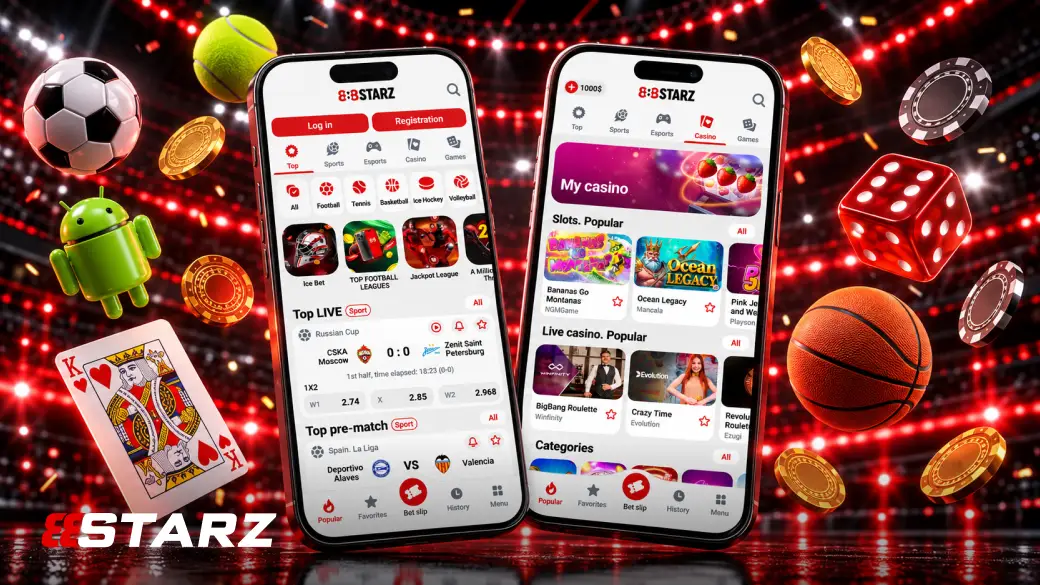
Android users can obtain an APK through the operator’s mobile download route. Use that route for the package you intend to install rather than treating a file found elsewhere as the same download. Before proceeding, compare the Android requirement with your device and check which version is actually offered.
Using the Operator Download Route
- Open the 888starz mobile website on the Android device and find its Android download option.
- Check that the offered package is for Android and review the version displayed there. The table describes a dated build, not necessarily the package currently offered.
- Download the APK on the device where you intend to install it. If the download does not start, check the connection and browser download status before trying again.
A completed download is only the first stage. Android must still accept the installer before the app can be launched; a download failure and an installation failure call for different checks.
Installer Permissions and Setup
- Open the downloaded APK using the browser or file manager that handled the download.
- If Android requests permission to install from that source, allow it only for the selected installer source. The setting’s wording varies by device.
- Review the installation prompt and complete the installation.
- Revoke the installer-source permission afterward if you enabled it for this download.
- Launch the app and use the operator’s sign-in flow if you already have an account.
If Android blocks installation, check the operating-system requirement, the downloaded file and the permission for the source opening it. Do not leave installation permission broadly enabled as a standing workaround. Installing the app also does not register an account or resolve any account-access restriction.
iPhone and iPad Access

A native 888starz app is listed for iPhone and iPad, but its availability depends on the region of the user’s actual App Store account. A listing in another region does not establish Bangladesh storefront availability. The specifications below describe version 256.0, dated 17 August 2026, rather than a version guaranteed to be available to every reader.
| iOS app detail | Specification |
|---|---|
| Distribution | Native App Store app |
| Version | 256.0 |
| Version date | 17 August 2026 |
| Download size | 238.3 MB |
| iPhone requirement | iOS 15.0+ |
| iPad requirement | iPadOS 15.0+ |
| Interface languages | 51, including English and Bengali |
| Download cost | Free |
Native App Store Availability
The native listing identifies seller Bittech B.V. and app ID 6475004245. Check availability through the App Store associated with your real account region:
- Search that App Store for 888starz and check the app identity, device requirement and version displayed.
- If the app is offered for your region and device, install it through the App Store.
- If it is already installed, check its App Store listing for an available update.
Do not enter inaccurate country or billing details to reach a listing. If the native app is not offered to your account, mobile-browser access is a separate option, subject to the operator’s access restrictions.
Mobile Browser and PWA
The mobile website can be opened in a browser without installing a native app. The operator also describes a PWA route. That remains browser-based access rather than an App Store installation; Bangladesh-specific PWA installation and behaviour have not been established. In particular, do not assume offline use or notifications.
- Open the operator’s mobile website in a browser and check whether it is accessible at your location.
- Use its sign-in or registration flow if you are eligible and need account access.
- If your browser offers an option to add the site to your device, distinguish that shortcut or PWA route from the native iOS app.
A browser shortcut does not turn the website into an Android APK or a native iPhone app. If a feature matters to you, check it on the access route you are actually using rather than assuming the routes have identical functions.
App Features and Account Access
The mobile routes provide access to sports and account functions, but their interfaces can differ. Existing users should sign in through their chosen route; new users can read the registration guide before starting registration. Installing an app does not itself create an account or establish eligibility to use one from Bangladesh.
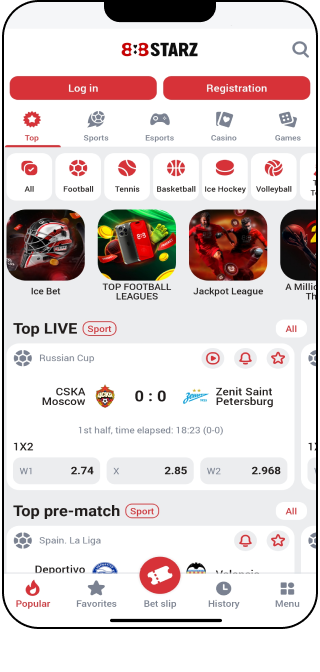
Registration, sign-in and recovery are also different tasks. If you have an account but cannot access it, use the operator’s account-recovery process or support rather than creating another account to troubleshoot an installation problem.
Sports, Live Events and Account History
The described mobile features include:
- Sports and live betting, with events and live odds on the Android route.
- Esports and virtual-sports sections in the operator’s navigation.
- Account and bet-history access on the described app routes.
The native iOS listing also describes account, payment and statistics functions. Its notes for version 256.0 mention changes to navigation, event search and grouping, bet history and statistics, along with performance fixes. Those iOS notes do not establish that the same changes appeared on Android or in the browser. Check the route and version you are using if a particular history or statistics feature is important to you.
Payments and Support
Payment methods are selected in the authenticated operator cashier, not through this publication. Bangladesh payment references describe BDT deposits and withdrawals using bKash, Nagad, Rocket and Upay, while the methods actually available depend on the account and cashier variant. Some international wallets and crypto are also reported. Deposit references include Skrill, Jeton Wallet, STICPAY, PayDo, BinancePay and Perfect Money; withdrawal references also mention BinancePay, WebMoney and Perfect Money. These are direction-specific examples, not a promise that every listed method will appear or that a deposit method also supports withdrawals.
The operator states that identity verification is required before payout. Follow any request shown in the authenticated account rather than relying on a fixed review time when planning a withdrawal.
For account or app help, use an operator contact suited to the issue:
- support-bd@888starz.bet – Bangladesh-labelled operator contact.
- support-en@888starz.bet – English technical support.
- assistance@888starz.bet or support@888starz.bet – addresses also listed in app-related responses.
- complaints@888starz.bet – complaints and suggestions.
- security@888starz.bet – account-security concerns.
The operator also states that live chat is available and provides a website contact form requesting a name and email address. It describes assistance as available 24/7 globally, which does not establish staffed hours or a response time for each Bangladesh contact channel. Bengali and English assistance are reported; the documented Bangladesh-labelled and English email addresses offer distinct contact choices. The interface-language counts in the tables are not support-language schedules.
Updates and Installation Problems
Use the update route appropriate to your platform. Do not assume that an Android APK updates automatically or that either dated table version is still the package offered to your account.
- On Android, return to the operator’s mobile download route and compare the offered package with the version installed on your device before following its update process.
- On iPhone or iPad, open the app’s listing in your actual App Store region and check for an update there.
- After updating, launch the app and check whether sign-in and the functions you need are accessible.
The iOS 256.0 notes mention navigation, event-search, history and statistics changes and performance fixes. No corresponding Android-specific change list is established for v256.0.5. If something goes wrong, first identify the stage at which it fails:
- Download will not complete – check the connection and browser download status – retry through the operator’s Android mobile route rather than using an unrelated package.
- Android package will not install – check the OS requirement and permission for the selected installer source – change only the relevant installation setting, then revoke that permission afterward.
- App installs but will not launch – check whether installation completed and whether a newer operator package or App Store update is offered – use the matching platform’s update route instead of assuming a reinstall will solve the problem.
- App opens but account access fails – distinguish a sign-in problem from a launch failure – use the account-recovery flow or contact the operator at support-bd@888starz.bet outside the app.
App Promotions and Conditions
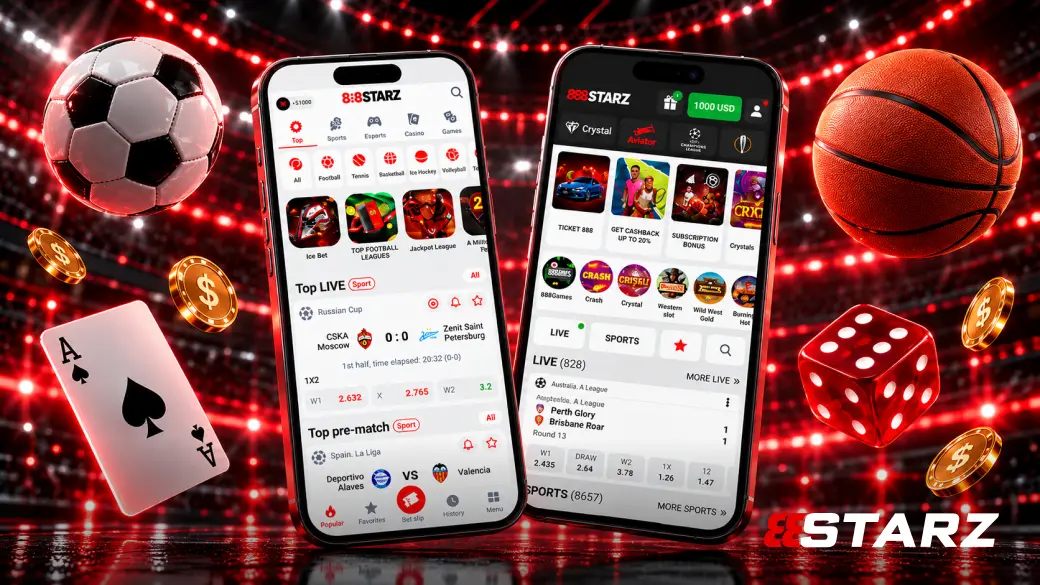
Installation alone does not award a bonus. One reported mobile freebet example offers up to 450 BDT, but it is relevant only if that promotion is displayed in your account and you meet its conditions. Reported BDT amounts differ, so the offer shown to the account takes precedence over this example.
The example requires 10 settled mobile bets of at least 150 BDT each. Qualifying bets are reported as singles at odds of 1.4+ or accumulators with at least two selections at odds of 1.2+ each. The reward is based on the average qualifying stake, subject to the stated cap. Using the freebet is reported to require an accumulator of at least three selections at odds of 1.5+ each.
Check the displayed promotion for eligibility, qualifying activity and any applicable deadline before betting. This mobile-bet example is separate from welcome offers; neither app installation nor a bet placed outside an offered promotion establishes a freebet entitlement.
Account Security
The operator states that its web connections are encrypted and that optional account two-factor authentication (2FA) is available. If 2FA is offered in your account settings, consider enabling it and keep its authentication method accessible only to you. These statements do not establish native biometric unlock or an app-specific security certification.
Use the intended operator route for downloads and updates, and inspect sign-in prompts before entering credentials. Do not share passwords, authentication codes or identity documents in an unsolicited message. If you suspect unauthorised access, contact security@888starz.bet. That is an operator mailbox, not support provided by this publication.
FAQ
Can the Android APK be installed on an iPhone?
No. An APK is an Android package. On an iPhone, check whether the native app is offered through your actual App Store region or use mobile-browser access where available.
Is the native iOS app the same as a PWA?
No. The native app is distributed through the App Store where available. A PWA is a separate browser-based route; its Bangladesh-specific installation and functions should not be assumed to match the native app.
Are the reference sizes the installed application size?
No. The Android figure of 46.07 MB and the iOS figure of 238.3 MB are download sizes for the dated builds in the tables. Neither specifies installed size or the free storage your device will require.
Does app installation automatically credit a bonus?
No. The reported mobile freebet depends on an eligible promotion appearing in the account and its qualifying conditions being met. Installation is not a qualifying bet or a guaranteed reward.
Where should I check the current version?
For Android, compare the package currently offered through the operator’s mobile route with the version installed on your device. For iPhone or iPad, check your actual App Store listing and installed app information. The dated table versions are specifications, not guarantees of the current release available to you.